

Description
Download Tayasui Sketches – Digital Drawing Tool, Sketch Brushes, Art & Design App
Overview
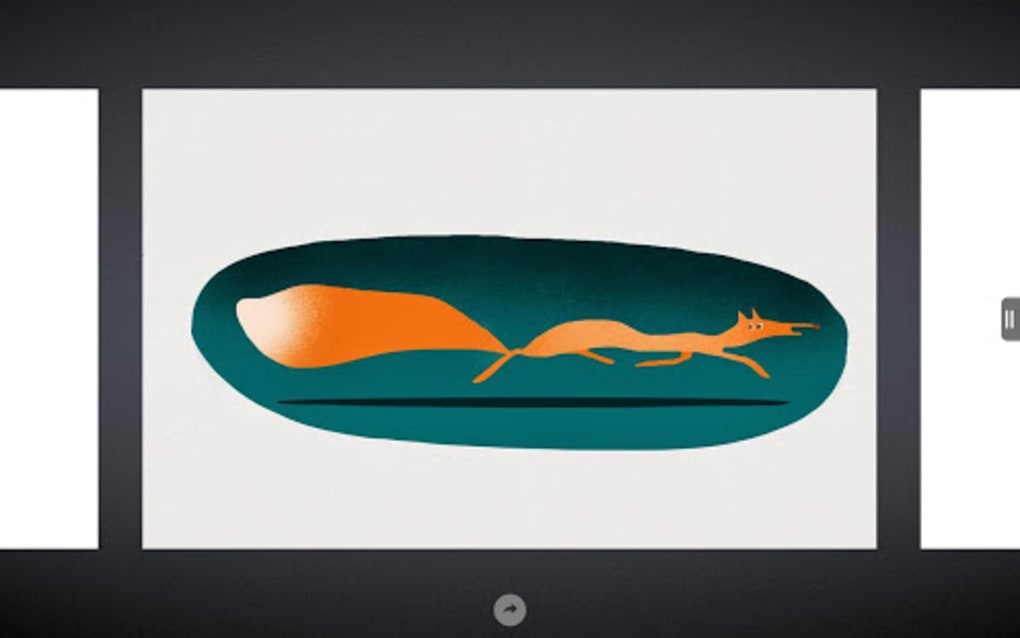
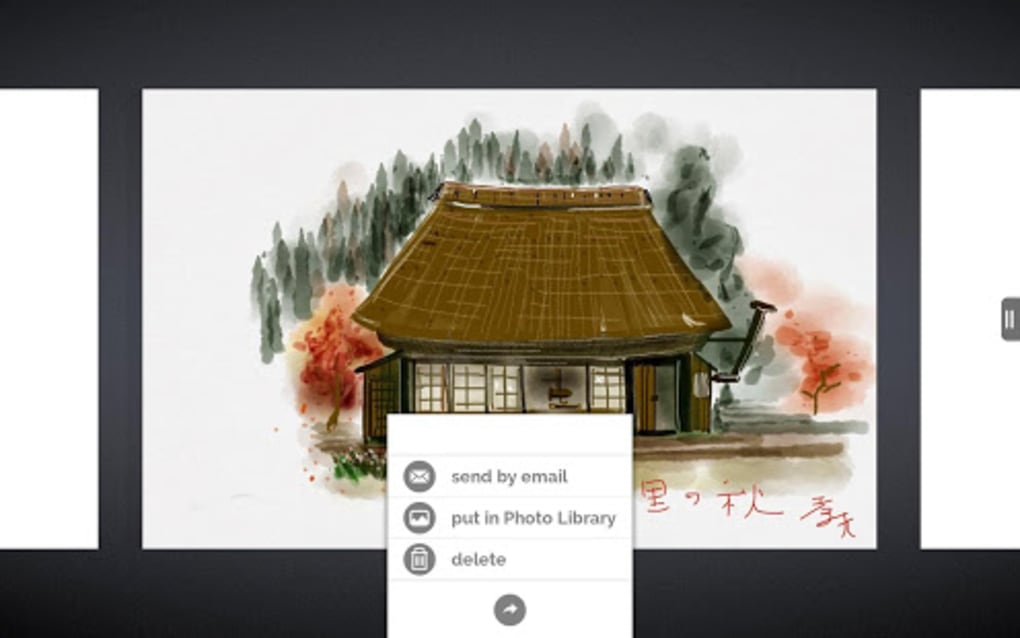
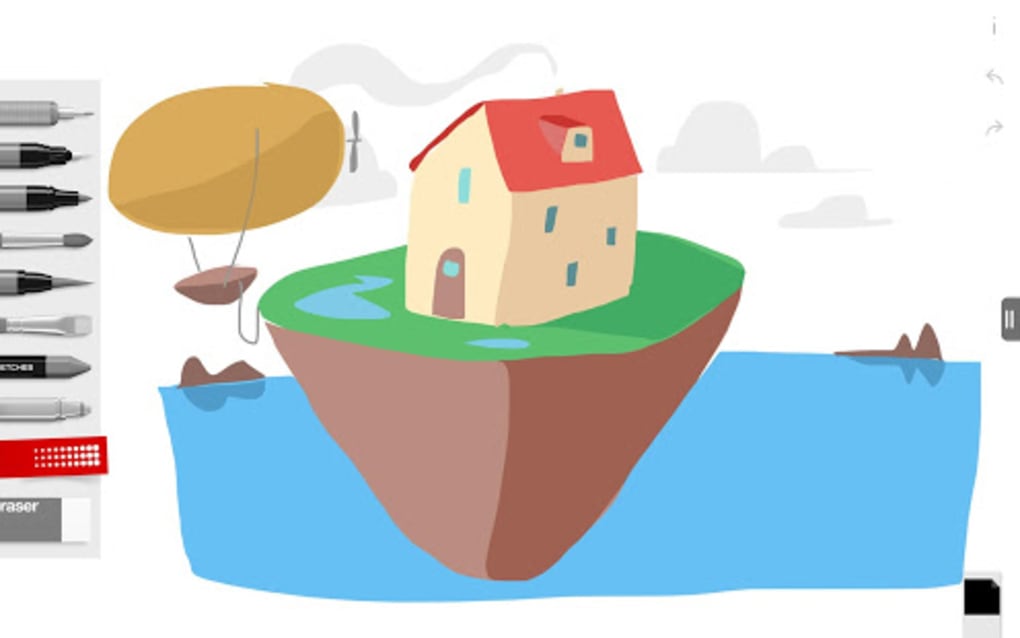
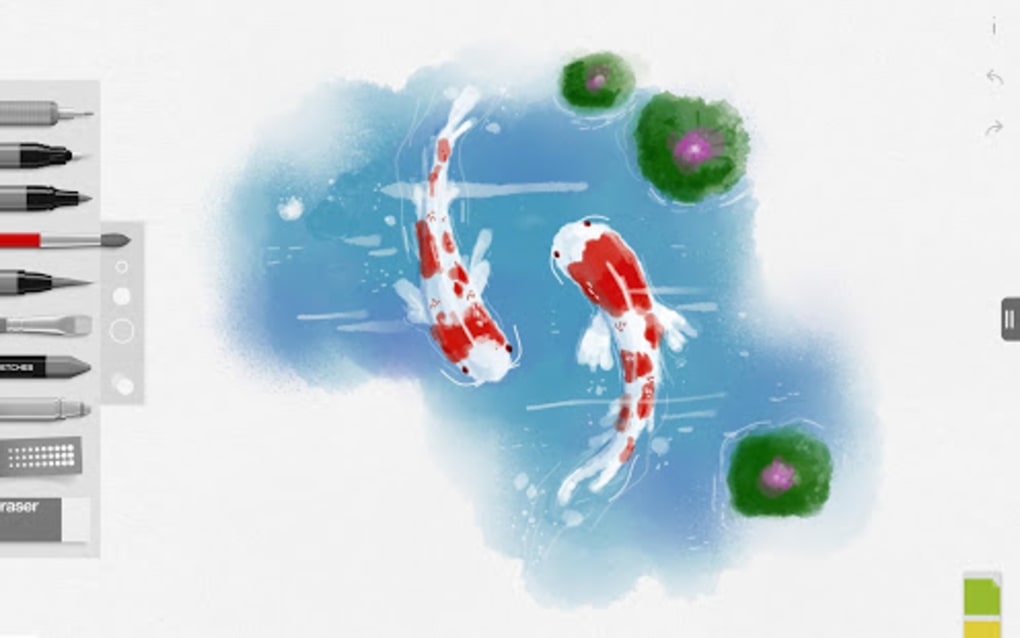
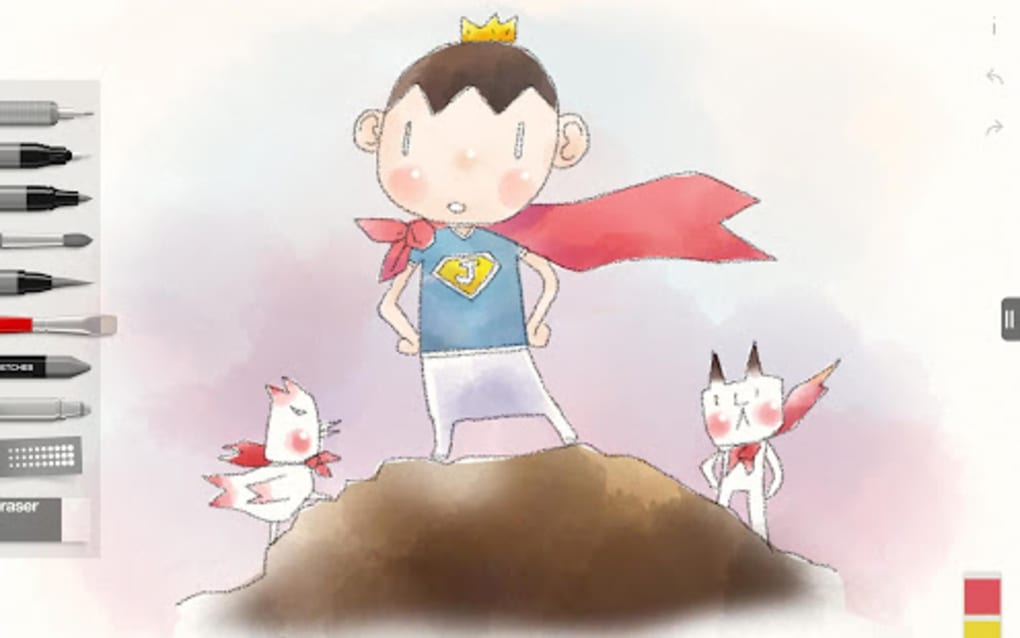
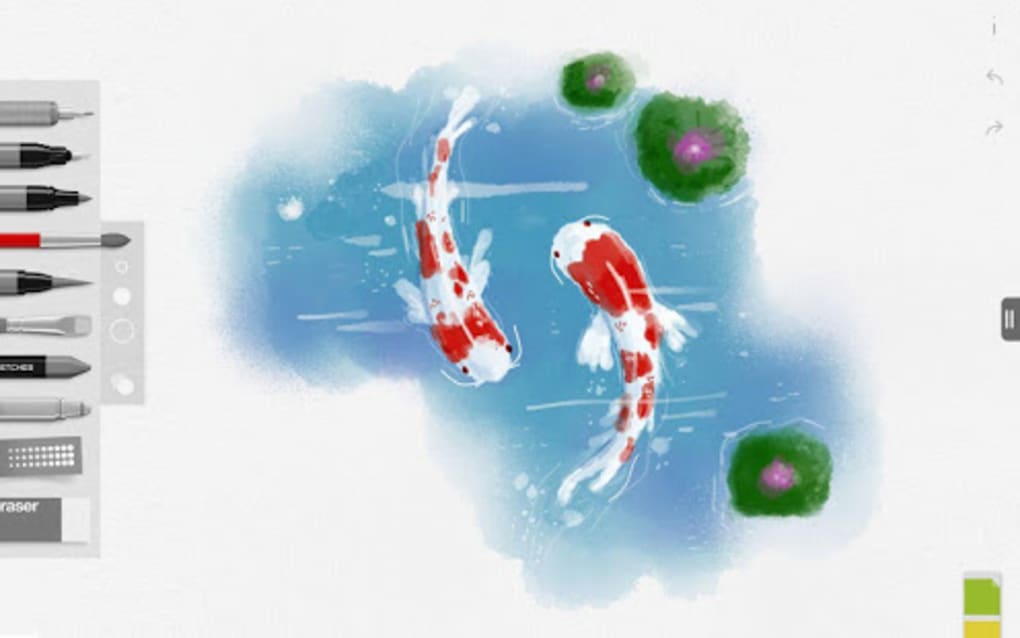
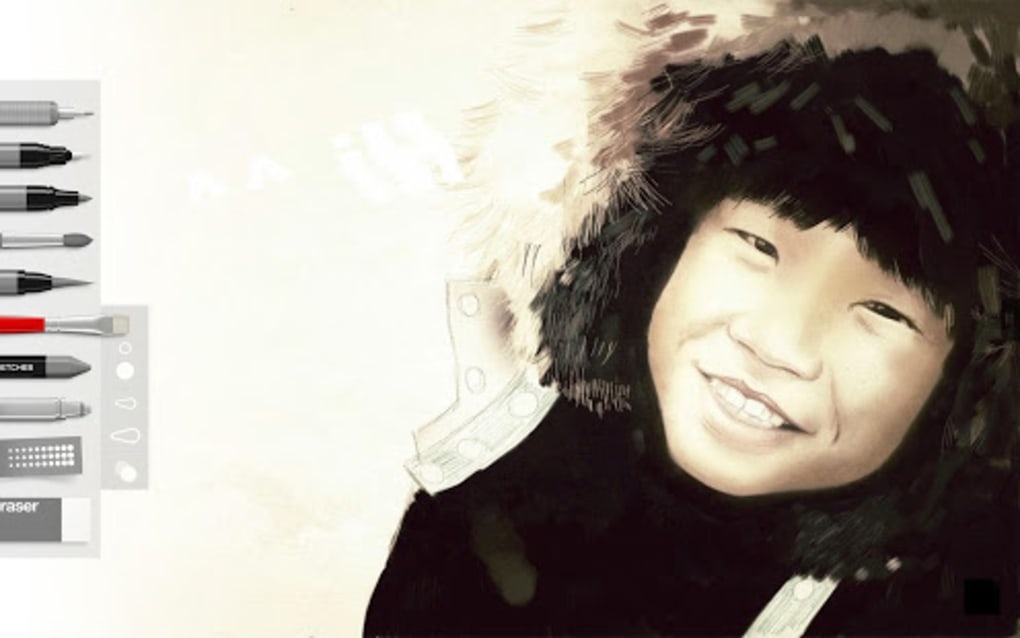
Tayasui Sketches is a digital drawing application designed for artists and creative individuals seeking a portable and accessible way to express their artistic ideas. Built for Android, the app offers a suite of realistic sketch brushes, each crafted to emulate the texture and behavior of traditional drawing tools such as pencils, pens, and chalk. Its primary purpose is to provide a lightweight, intuitive platform for sketching on the go, enabling users to create detailed drawings without the need for physical materials.
The app targets both beginners and experienced digital artists who want to explore sketching with minimal setup. Whether used for quick ideation, concept art, or personal practice, Sketches supports a natural drawing experience through gesture-based interaction. The ability to work across multiple layers enhances creative flexibility, allowing users to build complex compositions step by step. Real-world usage scenarios include journaling, design brainstorming, educational sketching, and casual artistic expression.
Developed by Tayasui, the app emphasizes realism and simplicity, aligning with the philosophy that the best way to learn drawing is through hands-on practice. While the developer did not provide additional background details, the app’s design and functionality reflect a focus on user-centric creativity and accessibility.
Key Features & Capabilities
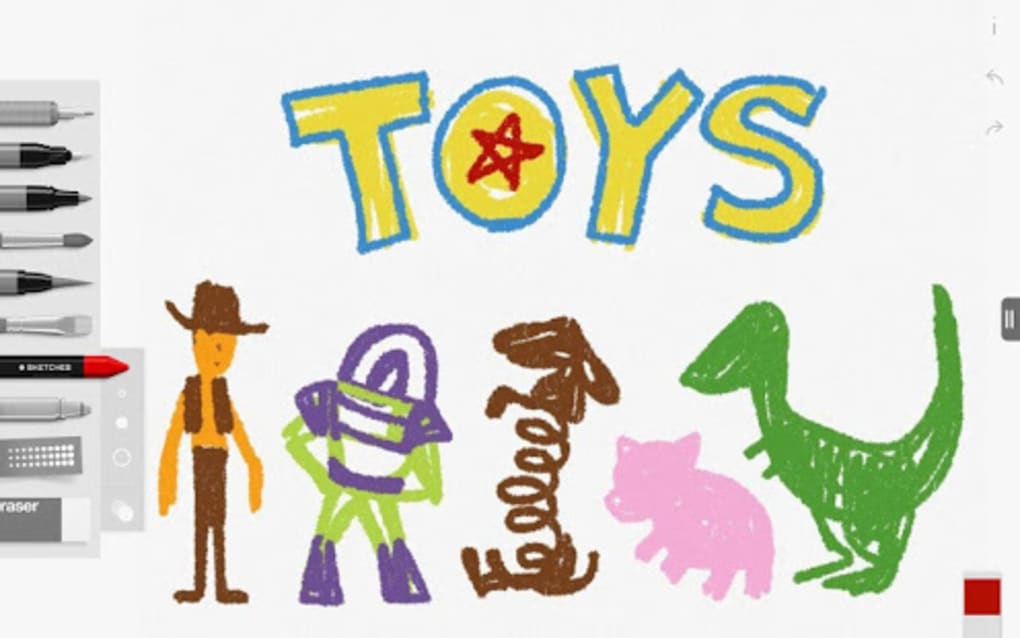
- Realistic Sketch Brushes: A collection of brushes that mimic the feel and visual output of traditional tools like pencils, pens, and chalk, offering varied textures and line quality.
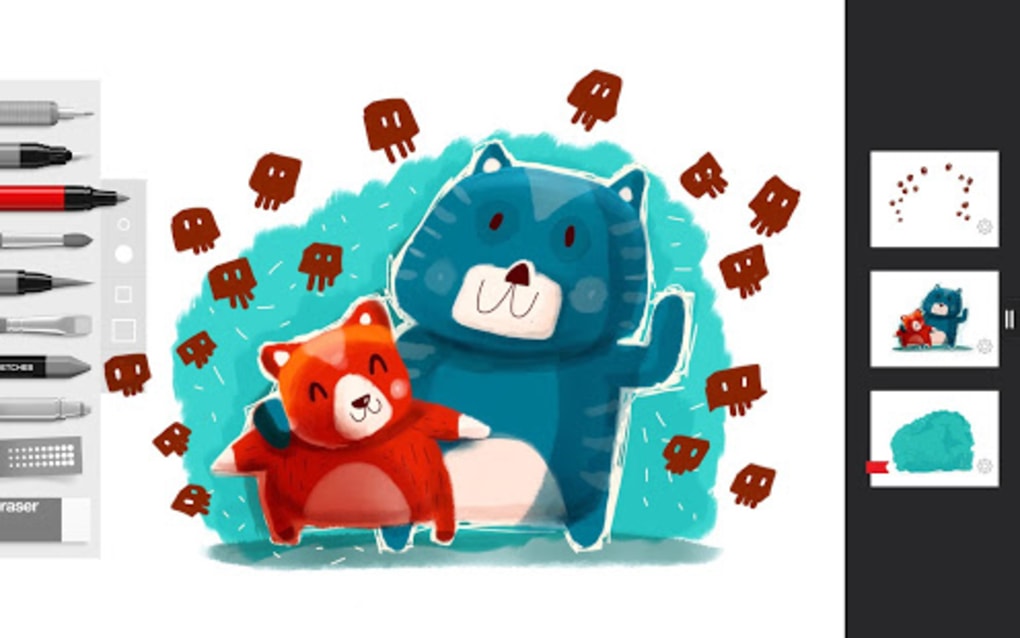
- Multi-Layer Support: Enables users to work on separate layers, allowing for non-destructive editing and greater control over composition and detail.
- Gesture-Based Drawing: Simple, intuitive gestures allow users to start drawing immediately, reducing the learning curve for new users.
- Offline Functionality: Full drawing capabilities are available without an internet connection, making it ideal for on-the-go use.
- Local File Saving: Completed sketches can be saved directly to the device’s storage for easy access and backup.
These features collectively support a seamless creative workflow. For example, a student can sketch a quick anatomical study using a pencil brush, layer it with a chalk outline, and save the result for later review. A designer might use the app to draft initial ideas during a meeting, leveraging layers to experiment with different elements without starting over. The brush variety ensures visual diversity, while the layer system promotes structured, professional-grade work.
User Interface, Workflow & Performance
The user interface of Tayasui Sketches is designed with simplicity and efficiency in mind. The main canvas occupies the central area of the screen, with a streamlined toolbar positioned at the bottom or side—depending on device orientation. Navigation is intuitive, relying on touch gestures and tap-based controls to switch brushes, adjust layer settings, and manage the canvas. The layout minimizes clutter, ensuring that the focus remains on the drawing process.
Workflow efficiency is enhanced by the app’s gesture-based activation, which allows users to begin drawing immediately after launching the app. This reduces the time spent on setup and supports spontaneous creativity. The performance is generally responsive, with minimal lag during drawing, though exact performance details were not specified. The developer did not provide resource usage information, so general assumptions about CPU and RAM behavior are not possible.
Stability appears to be consistent based on the app’s functionality and user feedback patterns. The absence of reported crashes in the available documentation suggests reliable operation under normal conditions. However, without official benchmarks or system monitoring data, definitive claims about performance under heavy load cannot be made.
Compatibility & System Requirements
Tayasui Sketches is compatible with Android devices, as specified in the provided information. The app is available for download on Android operating systems, though the exact version requirements were not listed. The installation size is 22.7 MB, indicating a lightweight footprint that should not strain storage on most modern devices.
Exact system requirements were not listed, including minimum RAM, processor specifications, or screen resolution compatibility. Compatibility information was partially provided, limiting detailed assessment. Users should ensure their device meets general Android standards for running third-party applications. The developer did not specify whether the app supports tablet or phone modes, though its interface appears adaptable to different screen sizes.
Pros and Cons
Pros
- Free to download and use with no mandatory ads or paywalls.
- Realistic brush textures enhance the authenticity of digital sketching.
- Multi-layer support enables complex and professional-level artwork.
- Gesture-based drawing reduces the learning curve for beginners.
- Offline functionality allows uninterrupted creativity anywhere.
Cons
- Only available for Android, limiting access for iOS and other platforms.
- No information provided on advanced export formats or sharing options.
- Missing details about system requirements may affect installation on older devices.
- Optional in-app purchases may introduce premium features not available in the base version.
- Limited documentation on customization options for brushes or canvas settings.
FAQ Section
Is Tayasui Sketches available for iOS devices?
As of the provided information, Tayasui Sketches is only available for Android. There is no official version for iOS or other operating systems.
Can I use Tayasui Sketches without an internet connection?
Yes, the app functions entirely offline. All drawing, layer management, and file saving occur locally on the device.
Are there any in-app purchases in Tayasui Sketches?
Yes, the app is free to download but includes optional in-app purchases that may unlock additional brushes or features.
What file formats does Tayasui Sketches support for saving drawings?
The app allows users to save sketches to their device, but the specific file formats were not disclosed in the provided details.
How often does Tayasui Sketches receive updates?
The release date for the current version is April 5, 2023. The frequency of future updates was not specified by the developer.
Final Thoughts + CTA
Tayasui Sketches stands out as a practical, accessible digital drawing tool for Android users who value realism and simplicity. Its collection of textured brushes, layered workflow, and gesture-based interface make it ideal for artists at any level who want to sketch freely without technical barriers. While the app is limited to Android and lacks detailed system specifications, its lightweight design and offline functionality offer strong value for creative expression.
It is particularly beneficial for students, designers, and hobbyists who need a reliable tool for on-the-go sketching. The free availability with optional in-app upgrades ensures broad accessibility. For those seeking a no-frills, effective digital sketching experience, Tayasui Sketches delivers a compelling solution.
Download Tayasui Sketches now.
Guides & Tutorials for Tayasui Sketches
How to install Tayasui Sketches
- Click the Preview / Download button above.
- Once redirected, accept the terms and click Install.
- Wait for the Tayasui Sketches download to finish on your device.
How to use Tayasui Sketches
This software is primarily used for its core features described above. Open the app after installation to explore its capabilities.
User Reviews for Tayasui Sketches 0
No reviews found





